

[Product redemption location]
Please collect your items using the QR code in the booking attachment.#Regardless of which counter was selected at the time of booking, pick-up is supported at any of the following pick-up points#
- Changi Airport Terminal 1 arrival baggage hall (level 1)

- Travelex currency exchange (after exiting baggage claim, near belt 13) #01-K24
- Operating hours: 24 hours
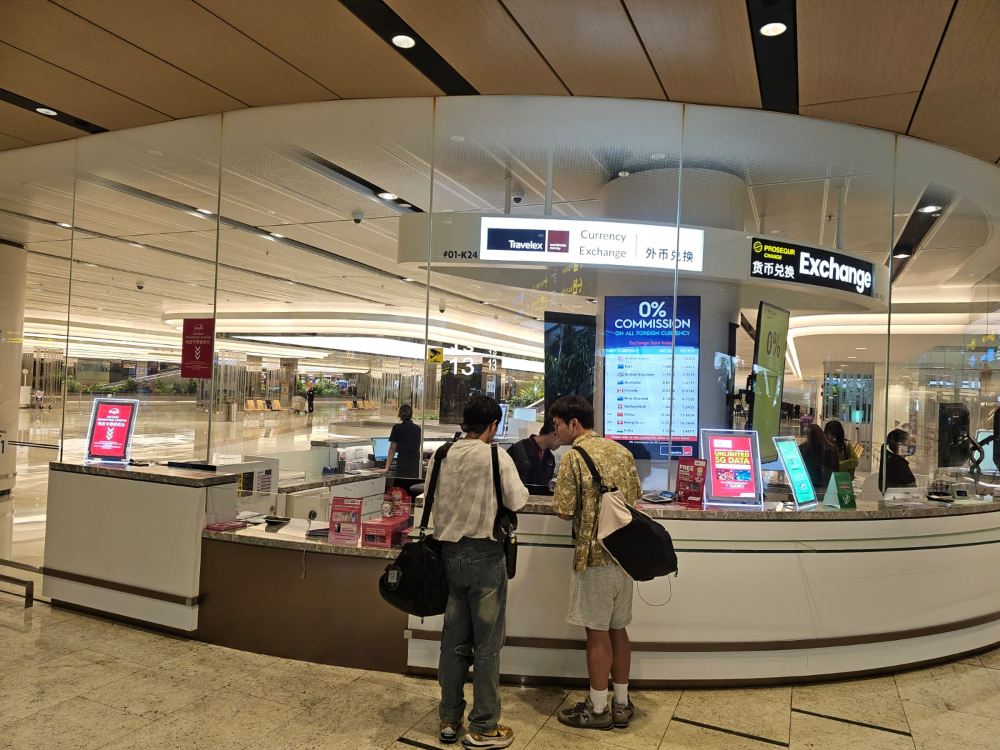
- Travelex currency exchange (after exiting baggage claim, near belt 17) #01-K26
- Operating hours: 24 hours
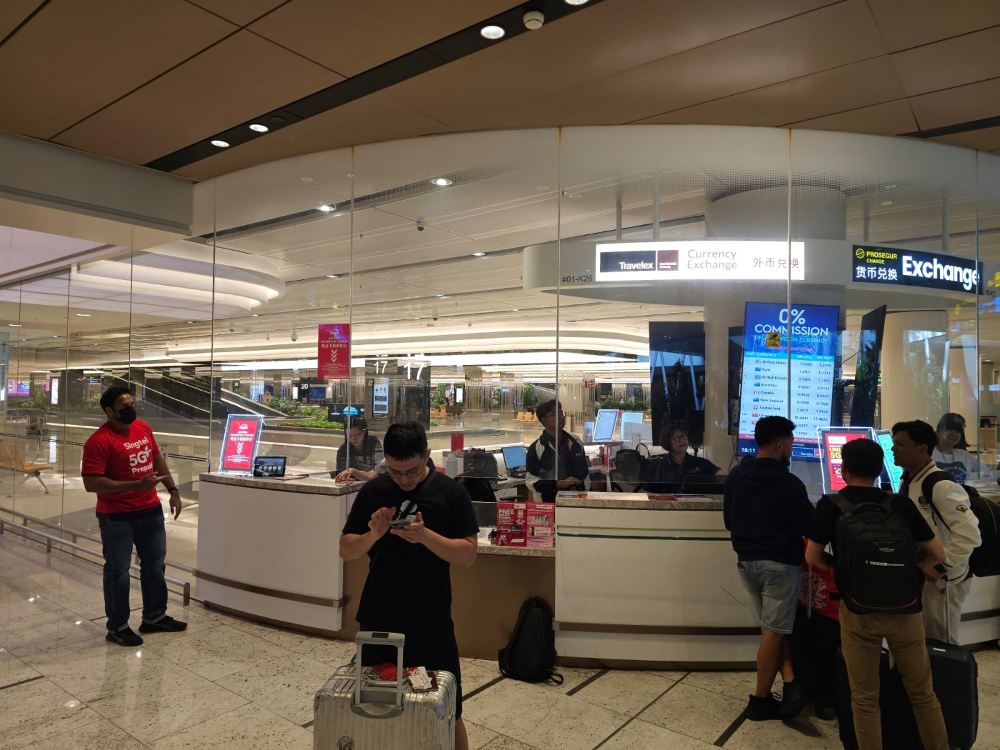
- Prosegur currency exchange (after exiting baggage claim, near belt 19) #01-K27
- Operating hours: 24 hours

- Prosegur currency exchange (after exiting baggage claim, near carousel 11) #01-K25
- Operating hours: 24 hours

- CHANGI RECOMMENDS counter (near SIXT car rental)
- Operating hours: 24 hours

- Arrival hall (level 1), Terminal 2, Changi Airport

- Travelex currency exchange (after exiting baggage claim area, near belt 36) #01-181
- Operating hours: 24 hours
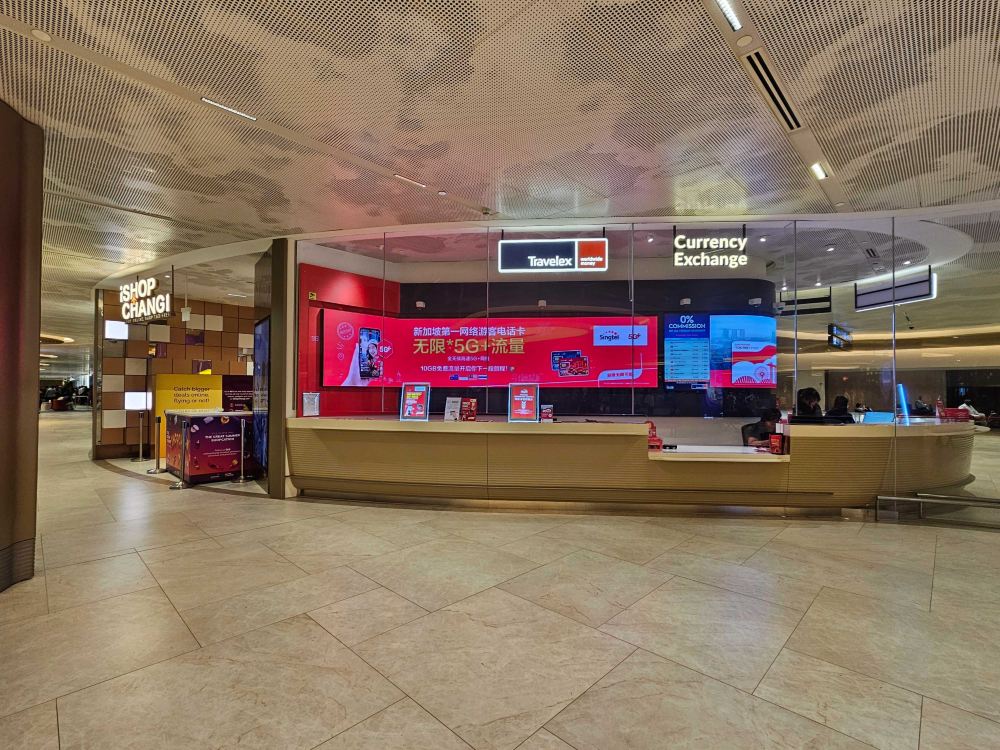
- Prosegur currency exchange counter (after exiting the baggage claim area, near belt 33) #01-181
- Operating hours: 24 hours

- Arrivals Hall, Terminal 3, Changi Airport (Level 1)

- Travelex currency exchange (after exiting the baggage claim area, opposite belt 43-44), #01-K09
- Operating hours: 24 hours
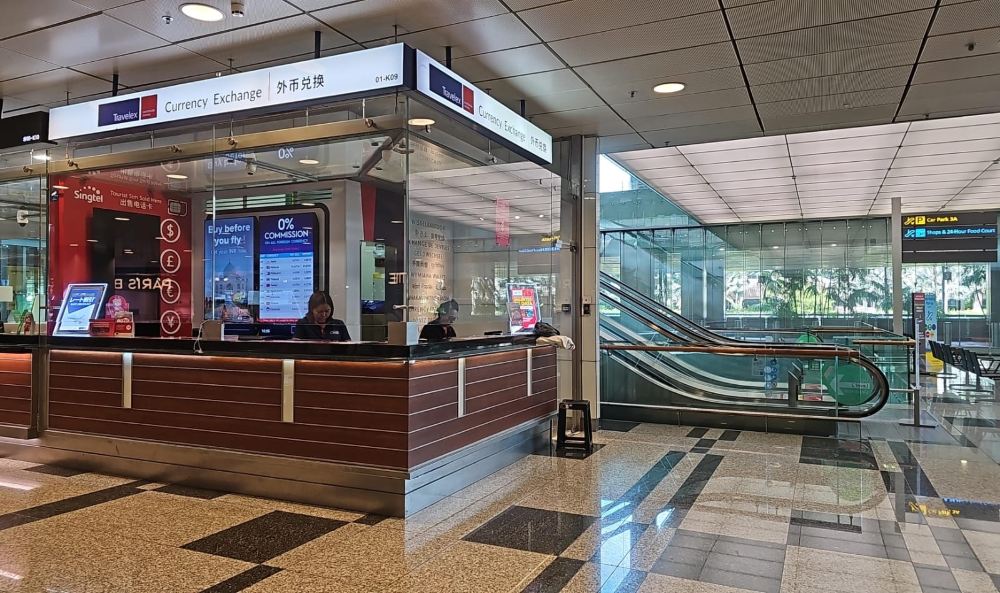
- Travelex currency exchange (after exiting the baggage claim area, opposite belts 46-47), #01-K15
- Operating hours: 24 hours

- Arrivals hall, Terminal 4, Changi Airport (Level 1)

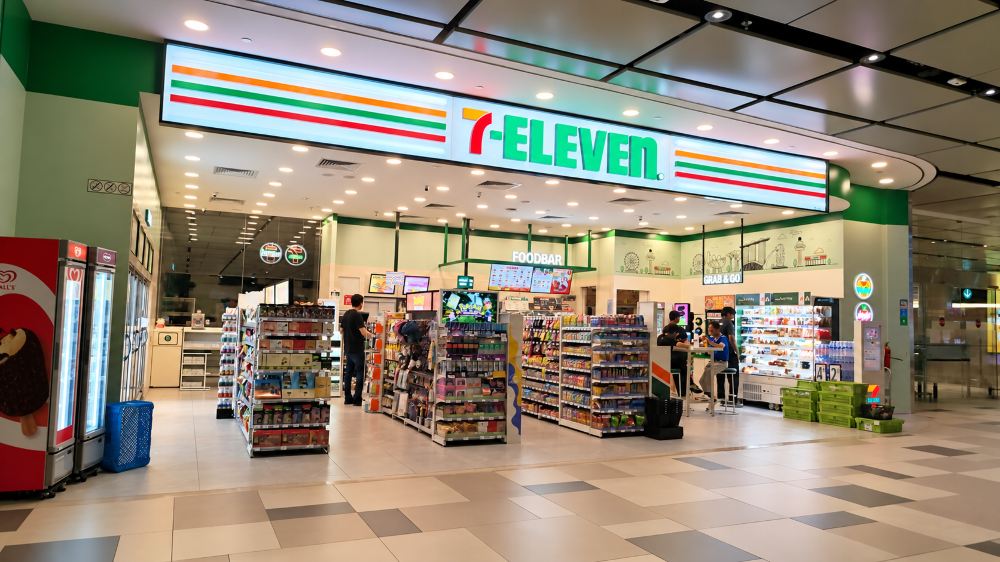
- Terminal 4 arrival hall 7-Eleven counter (near belt 5) #01-09
- Operating hours: 24 hours
- Terminal 4 Prosegur currency exchange (near belts 3-4) #01-07
- Operating hours: 24 hours

For more urban pickup points, please
View
[FAQ]
- 1. How do I check my prepaid card's balance and expiration date?
- Answer: You can download the hi!App (www.singtel.com/hiapp) to check your prepaid card balance and validity period.
- 2. How do I make an international call?
- Answer: Dial 019 <country code><area code><phone number>
- 3. What should I do if I cannot access the internet?
- Answer: Ensure that the APN (Access Point Name) is set to hicard in the phone's internet settings
- 4. How do I use data in countries other than Singapore?
- Answer: The data roaming function will be activated automatically after the SIM card is registered. Upon arriving in the destination country, please turn on mobile data and data roaming.
- Apple and Android users then need to ensure that the APN (Access Point Name) is set to hicard in the phone's internet settings