• Coverage: Iraq
• Carrier: Korek Telecom / AsiaCell
• Network Type: 4G

• Coverage: Iraq
• Carrier: Korek Telecom / AsiaCell
• Network Type: 4G
Upon arrival, enable Data Roaming for the eSIM and set it as your Mobile Data line.
[Important Notes]
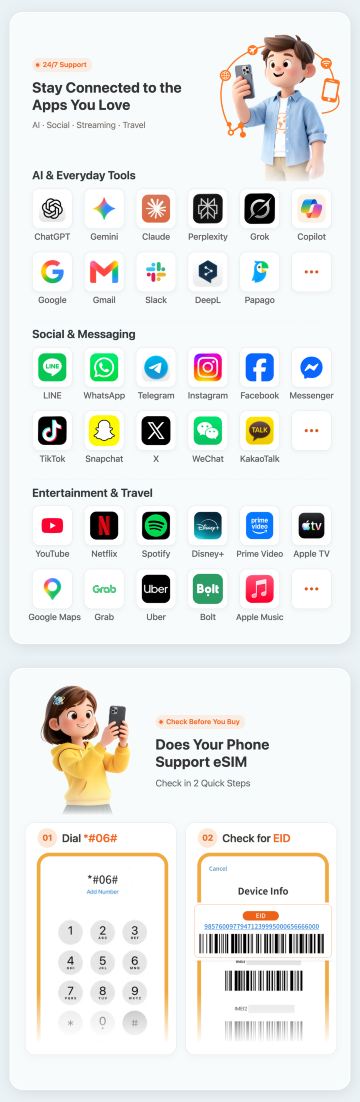
• If your device does not support eSIM, an unactivated eSIM can be automatically refunded from the order page.
• If installation fails, check whether the eSIM has already been added and make sure your internet connection is stable.
• The eSIM is linked to the original device and cannot be transferred. Within the validity period, scan the QR Code again to reinstall it on the original device.
• To receive SMS or verification codes on your primary number, keep the original SIM active but turn off Data Roaming to avoid roaming charges.
• This is a data-only eSIM and does not include a phone number, calls, or SMS.
[Renewal Guide]
■ Before Renewal
• The original and renewal plans are separate. Data and validity periods cannot be combined.
• Renewal is only available on the original device and does not require eSIM reinstallation. To use another device, purchase a new plan.
• Select “Request Renewal” from the original order page. Purchases from the regular product page will be treated as new orders.
■ How to Activate
① Automatic Activation — Original Plan Expired
The renewal plan activates automatically after the original plan expires. Restart your device to use it.
② Early Activation — High-Speed Data Used Up
If the original plan is still valid, the renewal plan will not activate automatically. To use it early, select “Check / Activate” from the “Order Voucher” or contact customer support.
※ Early activation immediately ends the original plan and cannot be reversed.
[Network Tips]
• If the connection is unstable, toggle Airplane Mode or manually switch to another supported network.
• If an app or service is unavailable due to IP location or service restrictions, try using Wi-Fi.
• For connection or other issues, contact our 24/7 customer support through the order page.