Australia 5G eSIM | ChatGPT Available | Day Pass/Total Data Package | 24-Hour Billing | QR Code

Australia 5G eSIM | ChatGPT Available | Day Pass/Total Data Package | 24-Hour Billing | QR Code

4.5/5
Good
(1,697 reviews)
88K+ booked
Use anytime during validity
Book now for today
Booking confirmation
Free cancellation by 00:00, 1 day before the expiration date
From
SEK 1.00
Limited-time sale
50% off
Device info

• Signal coverage: Australia

• Network: Telstra, Vodafone, Optus

• Supports multiple installations

On the same device, the eSIM can be deleted and reinstalled after installation, with a maximum of 10 times supported.

The eSIM can be reinstalled within the QR code validity period (for unactivated eSIMs) or the package expiration date (for activated eSIMs). It cannot be installed after the expiration date.

Product details

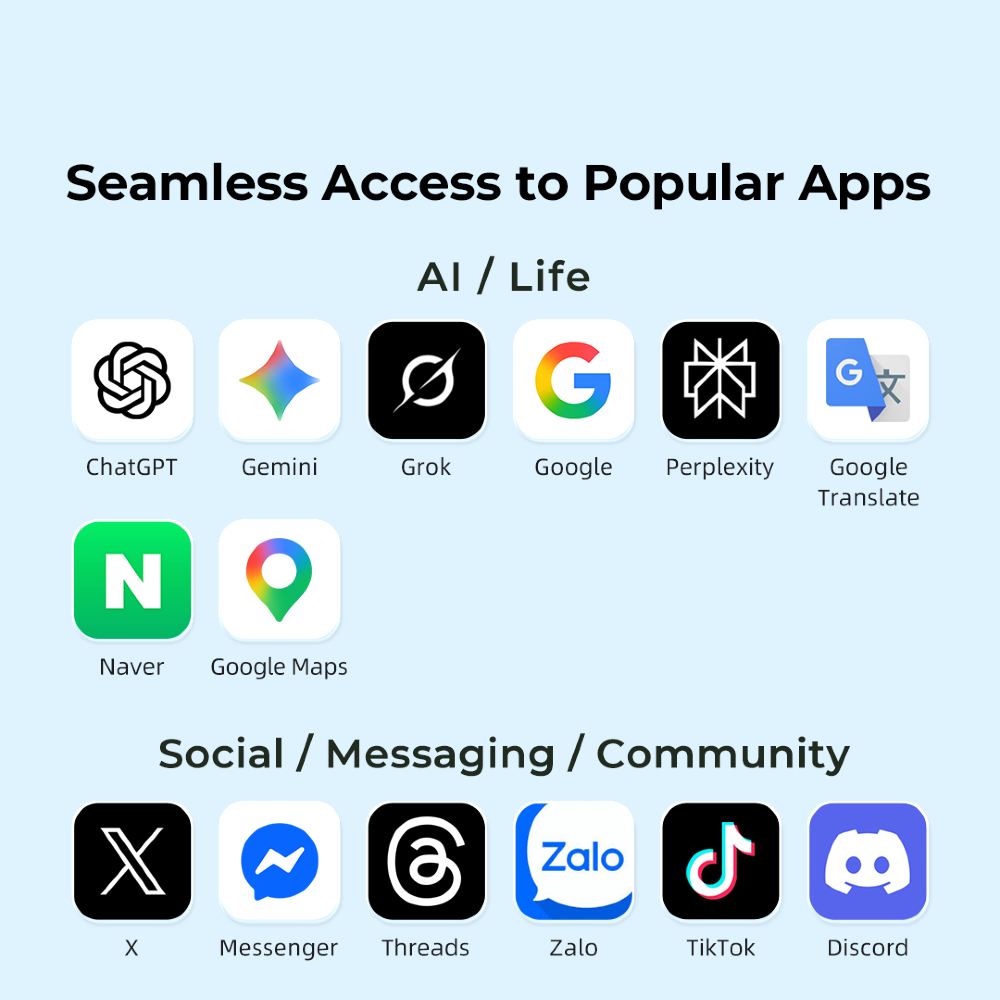
[eSIM IP Address]

The eSIM will automatically adjust its IP address based on the app you are using.

• Apps developed in Mainland China → Hong Kong IP

• Apps developed outside Mainland China → Singapore IP

[TikTok Compatibility Notice]

- iOS: App & Web available

- Android: Web only (App not supported)

Notes:

• The service provider has enhanced TikTok compatibility, but normal functionality on all devices cannot be guaranteed. Refund requests due to device incompatibility with TikTok will not be accepted.

• If iOS users experience login issues with the TikTok app: please update the iOS system to the latest version, uninstall and reinstall the TikTok app. If the issue persists, access TikTok through the mobile browser and log in to your account first, then switch back to the app.

• The service provider may suspend TikTok support at any time without prior notice.

Show less
Validity period
Valid for 60 days from the booking date, Valid for 1 use(s) only
What's included
eSIM + Data Plan
Hotspot / Tethering Supported
Voice call
SMS
Renewable / Top-Up / Recharge (If you wish to continue using, please repurchase)
How to use
Actual steps may vary depending on your OS version and device model.
 
[Installing eSIM]
*One QR code can only be used on one mobile device. Once installed, it will be linked to that device and cannot be transferred to another.
 
Method ① Install directly via the Trip.com app:
Open the Trip.com app - Go to "Account" - All bookings - Tap the "Install" button.
 
Method ② Scan QR code / Manually enter eSIM info to install:
1. Open the QR code attachment in your Trip.com app booking and print it in advance or save it to another electronic device.
2. Open "Cellular (iOS)" or "SIM Card Manager (Android)" in your settings.
3. With your phone connected to the internet, tap "Add eSIM" and scan the QR code to install.
4. If scanning fails, manually enter the "SM-DP+ Address and Activation Code" from your booking voucher to install.
5. If steps 3 or 4 fail, your phone may be locked by your country/region of residence carrier (unable to use other carrier network bands). Contact your carrier to unlock before using eSIM.
 
[Using eSIM]
1. Turn off your primary SIM and enable the eSIM network switch.
2. Enable "Cellular (iOS)" or "SIM Card (Android)".
3. Turn on "Data roaming".
4. If you still cannot connect after these settings, configure APN and restart (see details below).
 
[About access point name (APN)]
1. Setup steps:
iOS: Settings - Cellular - Cellular Plan (select eSIM) - Cellular Data Network - Enter APN
Android: Settings - Connections - Mobile Networks - Select eSIM - Access Point Names (APN) - Create new APN or Edit APN
2. Enter APN
APN: mobile.three.com.hk
3. Restart your phone.
 
[Checking eSIM usage]
Enter your booking number to check (or one-click access via Trip.com PDF voucher): https://flow-consumer-center.billionconnect.com/usageq/trip/en
 
[Customer support]
If you encounter issues during use, please do not delete the installed eSIM. Send screenshots of your phone settings to the supplier's customer support for quick assistance.
Change & cancellation policies
If a cancellation request is submitted before 00:00, 1 day(s) prior to the expiration date, no cancellation fee will be charged.
If a cancellation request is submitted after 00:00 1 day(s) before the expiration date, a fee of 100% will be charged.
This product cannot be canceled after activation.
If a discount is applied, the cancellation fee will be calculated based on the original price before the discount and will not exceed the amount paid.
Partial refund is not available.
Important note

■ After arriving in a covered destination, please enable "Data Roaming" for the eSIM to access mobile data normally.


■ Troubleshooting

If you are unable to access the internet, please check the following:

1. The eSIM is set as the default mobile data line.

2. Data Roaming is enabled.

3. Turn Airplane Mode on and then off.

4. Manually switch the network operator.

5. Manually configure the APN.


■ Supports Multiple Installations

eSIM can be installed, deleted, and reinstalled up to 10 times on the same device.

Reinstallation is allowed within the validity period of the QR code (for unactivated eSIMs) or the data plan (for activated eSIMs). After expiration, reinstallation is not possible.


■ Network Performance

Actual signal strength, network speed, and 4G/5G service availability may vary depending on your location, the local carrier's network coverage, your device compatibility, as well as environmental factors such as terrain, buildings, and weather conditions.


■ Disable Domestic SIM Card Roaming

Before using an eSIM, make sure to turn off data roaming on your domestic SIM card to avoid incurring high international roaming charges. You will be responsible for any related fees, including roaming charges, overseas SIM card/eSIM purchase costs, and transportation expenses. No additional compensation will be provided.


■ Maintaining Fair Usage Policy

To maintain network quality and the Fair Usage Policy (FUP), telecommunications companies may throttle users who consume large amounts of data within a short period, leading to slower speeds or inability to connect. To ensure stable internet access, please avoid activities that consume excessive data, such as prolonged video streaming/downloading, software updates, or sharing your network (hotspot).

FAQ