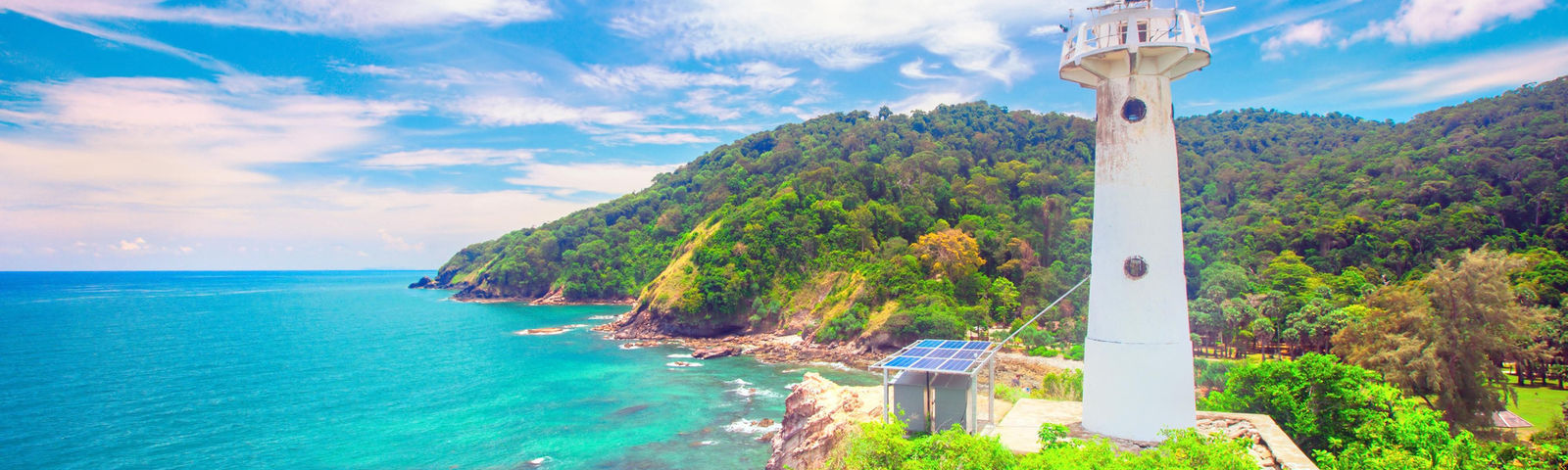
Top picks for Koh Lanta
Search attractions or local attractions & tours
Attractions & Tours category
Book now for today
Book now for tomorrow
178 results for Koh Lanta
Sort by
Recommended
![Ko LantaKayaking5 hours [Koh Lanta: Sunset Kayaking, Bioluminescent Plankton & Dinner]](https://ak-d.tripcdn.com/images/0352e12000rjz2mwo0272_C_568_320.jpg?_fr=wc) Duration: 5 hrsEnglishFromSEK 438.00
Duration: 5 hrsEnglishFromSEK 438.00![Kayaking5 hours [Koh Lanta : Sunset Kayaking & Bioluminescent Plankton Tour]](https://ak-d.tripcdn.com/images/0350l12000rjz3fvc346F_C_568_320.jpg?_fr=wc) Duration: 5 hrsEnglishFromSEK 438.00
Duration: 5 hrsEnglishFromSEK 438.00 Duration: 8 hrsEnglish4.5/5Excellent· 12 reviews· 118 booked20% offLimited-time saleFromSEK 288.00SEK 360
 Duration: 6 hrsEnglish4.5/5Excellent· 8 reviews· 89 booked20% offLimited-time saleFromSEK 228.00SEK 285
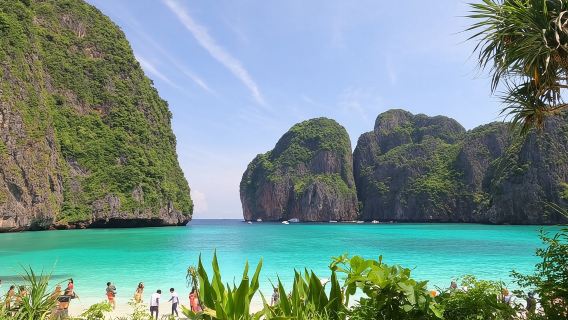 Duration: 510 minsEnglish4.8/5Outstanding· 52 reviewsFromSEK 691.00
![[Flagship] Departing from Phi Phi Island, Phi Phi Island Tour: Private Long-tail Boat Charter](https://ak-d.tripcdn.com/images/0350o12000mkems1n7A36_C_568_320.jpg?_fr=wc) Duration: 3–6 hrsEnglish5.0/5Perfect· 8 reviews· 56 bookedFromSEK 862.00
Duration: 3–6 hrsEnglish5.0/5Perfect· 8 reviews· 56 bookedFromSEK 862.00 Duration: 10–14 hrsEnglish5.0/5Perfect· 3 reviews· 47 booked20% offLimited-time saleFromSEK 504.00SEK 630
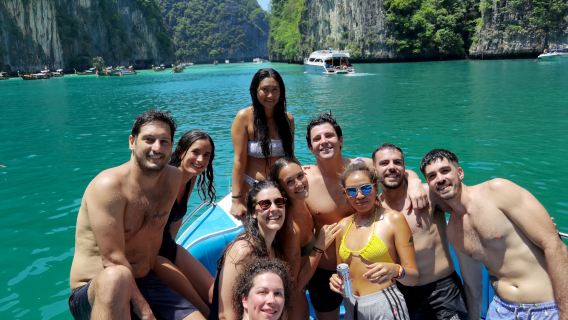 Duration: 4 hrsEnglish5.0/5Perfect· 2 reviews20% offLimited-time saleFromSEK 218.00SEK 273
 Duration: 3 hrsEnglish20% offLimited-time saleFromSEK 848.00SEK 1,061
![[Krabi 1-day island tour] Multiple routes available: Four Islands / Ko Hong / Koh Rok | Speedboat / Longtail boat options | Hotel transfer included](https://ak-d.tripcdn.com/images/0354z12000qd9xzwfD4C2_C_568_320.jpg?_fr=wc) FromSEK 235.00
FromSEK 235.00 Duration: 4 hrsEnglish28 booked20% offLimited-time saleFromSEK 218.00SEK 273
![Private Charter Boat Tour in Krabi [Optional Phi Phi Islands]|Fantastic Four Islands|Ko Hong|Long-tail boat|speedboating|sailing boat](https://ak-d.tripcdn.com/images//0585c12000n0vq27j842B_C_568_320.jpg?_fr=wc) FromSEK 219.00
FromSEK 219.00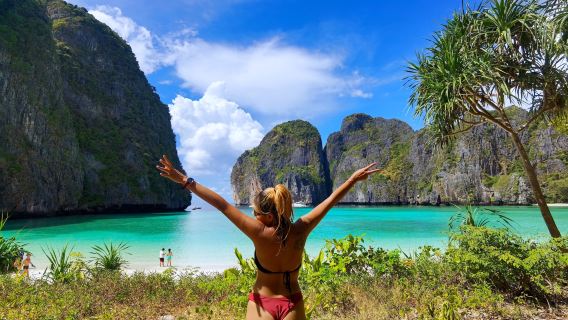 Duration: 11–13.5 hrsEnglish5.0/5Perfect· 2 reviews15% offLimited-time saleFromSEK 754.00SEK 888
![[Krabi Half-Day Island Hopping] Four Islands/Ko Hong/Seven Islands (optional) | Multiple Boat Types | Including Hotel Transfer | Easy Travel](https://ak-d.tripcdn.com/images/0350a12000rw8iki27923_C_568_320.jpg?_fr=wc) FromSEK 422.00
FromSEK 422.00 Duration: 4 hrsEnglish5.0/5Perfect· 2 reviews20% offLimited-time saleFromSEK 1,032.00SEK 1,290
 Duration: 9 hrsEnglish20% offLimited-time saleFromSEK 228.00SEK 285
 Duration: 6.5 hrsEnglish20% offLimited-time saleFromSEK 288.00SEK 360
 Duration: 6 hrsEnglish20% offLimited-time saleFromSEK 1,584.00SEK 1,980

1
2
3
4
5
6
9
Explore top experiences
See what other travellers love, based on ratings and bookings
Frequently asked questions about Koh Lanta
How many are available in Koh Lanta on Trip.com?
What are the best in Koh Lanta?
What are the top-rated in Koh Lanta?
How can I contact Trip.com customer support?
Can I change or cancel my booking?
How can I get discounted prices?
Reviews/Trip Moments
★
★
★
★
★
Reviews: Lanta Thai Cookery School
Guest User2026-04-08
It was fun, got to know new people, laugh and make and eat lots of food!★
★
★
★
★
Reviews: Phi Phi: Full-Day Speedboat Tour with Maya Bay, Lunch, Sunset & Plankton
Guest User2026-04-06
Everything was great, except for the lunch, which wasn't great—rice with chicken, at least for me. The Thai guide was very friendly. He was concerned about everyone seeing everything. He even tracked a shark for us. The glowing plankton was nothing like the adverts.★
★
★
★
★
Reviews: From Phi Phi: Half-Day Afternoon Speedboat Tour to Maya Bay with Sunset, Snorkel and Plankton
Guest User2026-03-10
The tour was perfect and just as described. Pick up was on time and we visited all the places written in the description with the speed boat. The tour guide Jacky told us a lot about the places and made the day very relaxed and special!!★
★
★
★
★
Reviews: From Phi Phi: Sunrise & Beat The Crowds to Maya Bay by Speedboat
Guest User2026-02-05
Everything went great! Great guide, we visited the most beautiful places on the island🥰
Trip.com picks
Popular products
Popular activities
More popular destinations
Beijing Day ToursBangkok Travel ServicesShenzhen ActivitiesBeijing Connectivity SolutionsXi'an Day ToursHo Chi Minh City Travel ServicesHong Kong TransportationHong Kong Travel ServicesShanghai Day ToursChengdu Day Tours
6996 Show,79 Show,89 Show,99 Show Pattaya TicketBaeksang Arts Awards Ceremony Half-Day Tour 1-Day Tour from Vancouver to Seattle/VS1Tokyo: Daikoku JDM Car Meet & Night Car Culture TourTrip to Mutianyu Great Wall by ZANBUS 08:00/09:00/10:00 Departure+15:00/16:00/17:00 Return 99 Show Pattaya Ticket,Big EyeMutianyu Great Wall Day Trip Mutianyu Great Wall With Private English Speaking Driver Service Mutianyu Great Wall + Summer Palace One-Day Tour Beijing Mutianyu Great Wall Day Trip - Departs daily at 8/9/10 AM - Round-trip transportation + entrance ticketThings to do in Hong KongThings to do in BeijingThings to do in HanoiThings to do in Xi'anThings to do in Nha TrangThings to do in BangkokThings to do in TokyoThings to do in Kuala LumpurThings to do in OsakaThings to do in ShanghaiThings to do in SeoulThings to do in PattayaThings to do in PhuketThings to do in BaliThings to do in Chengdu


About
Payment methods


Our partners




Contact Center
of the year 2025
of the year 2025
Copyright © 2026 Trip.com Travel Singapore Pte. Ltd. All rights reserved
Site Operator: Trip.com Travel Singapore Pte. Ltd.
Site Operator: Trip.com Travel Singapore Pte. Ltd.