
Apartments in Virginia, United States
Enter your dates for the latest hotel rates and availability.
Scroll down to see hotels
Filter by:
Hotel Star Rating
≤2345
Guest Rating
Amazing 9+Great 8+Good 7+Pleasant 6+Top Apartments - Virginia
Choose your travel dates to see the latest prices
Most Booked
Lowest price
Closest to downtown
Highest Rated




96
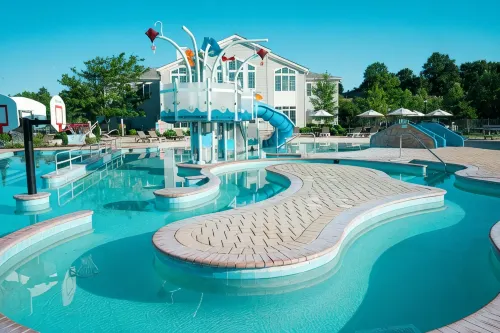
Hotels in James City County
Featured facilities: Clothes dryer, Private bathroom
Very Good
101 reviews
8.7/10
1 night
From €96


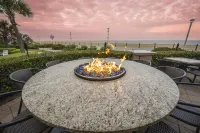

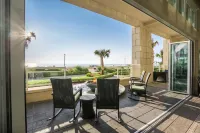
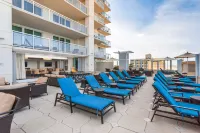
99+
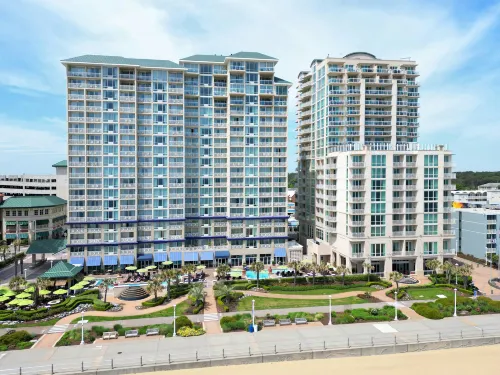
Hotels in Virginia Beach
Featured facilities: Laundry service (on-site), Clothes dryer, Parking
Very Good
102 reviews
8.0/10
1 night
From €69







99+
Hotels in Arlington
Featured facilities: Clothes dryer, Parking, Private bathroom
Great
110 reviews
9.0/10
1 night
From €140


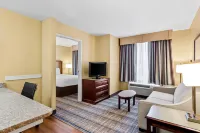
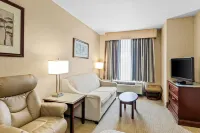


99+
Very Good
93 reviews
8.3/10
1 night
From €90
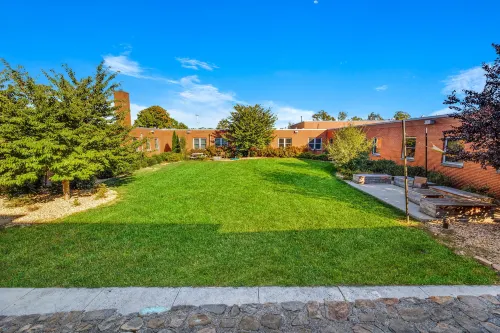






33
Great
76 reviews
9.1/10
1 night
From €85
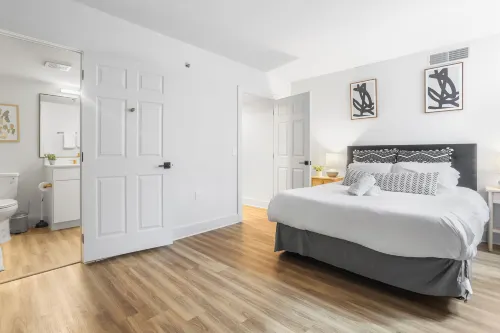






89
Hotel near Crystal City,Arlington
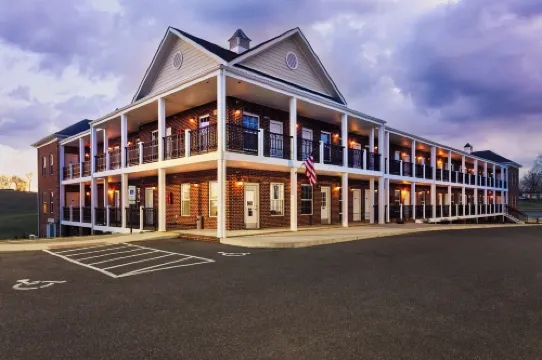
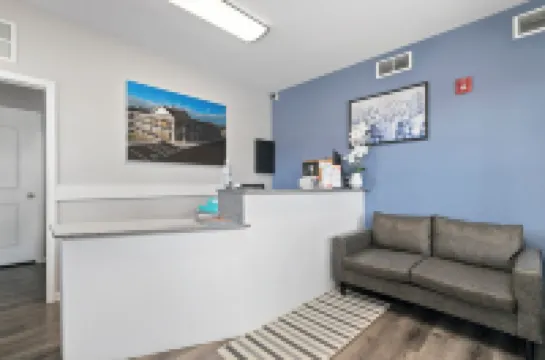
With a stay at Pentagon City Apartments near Fashion Centre - We Host in Arlington (Crystal City), you'll be within a 5-minute drive of Arlington National Cemetery and Smithsonian Institution. This apartment is 2.8 mi (4.4 km) from National Mall and 3.6 mi (5.8 km) from Capital One Arena.
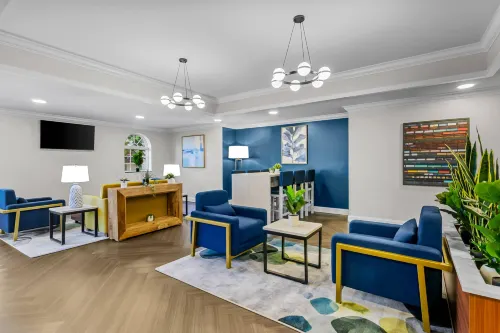
Take advantage of recreation opportunities such as a 24-hour fitness center, or other amenities including complimentary wireless internet access and a communal living room.
Featured amenities include a business center, express check-out, and a 24-hour front desk. Self parking (subject to charges) is available onsite.
Make yourself at home in one of the 2 individually decorated guestrooms, featuring kitchens with refrigerators and ovens. Complimentary wireless internet access keeps you connected, and 50-inch Smart televisions are provided for your entertainment. Conveniences include microwaves and coffee/tea makers.
Amazing
28 reviews
9.6/10
1 night
From €122


27
Great
99 reviews
9.0/10
1 night
From €101




31
Hotels in Roanoke
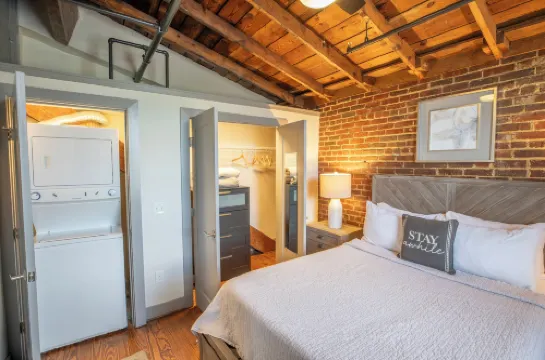
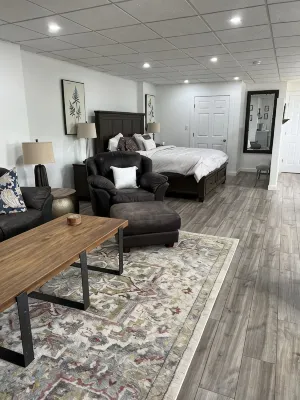
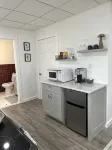
Featured facilities: Kitchen, Private bathroom
Outstanding
10/10





50
Amazing
99 reviews
9.6/10
1 night
From €105





26
Hotels in Luray
Featured facilities: Kitchen
Outstanding
82 reviews
9.8/10
Latest Hotels Reviews for Virginia
See all
The Colonies at Williamsburg
8.7/10
Very Good
Posted on Aug 7, 2026|Deluxe Apartment, 2 Bedrooms, Kitchen
 KRowtay
We enjoyed our stay at The Colonies overall. Our condo was clean, the grounds were well maintained and every staff member we interacted with was lovely and welcoming.
My biggest concern was the pool. Our welcome packet said guests needed bracelets and towels had to be checked out, but there was no access control at all. When we asked for bracelets, the front desk staff waved us on. All of the gates were wide open and there was no way to verify who was actually staying at the resort. The pool was extremely crowded and chaotic without all of the seats being taken up, so I can’t imagine what that would be like and I think having a lifeguard or several more staff members present would help keep it safer and more family-friendly. As a mom, the lack of controlled access made me especially uneasy. Any child could easily slip in or out of the pool area.
We also had a very loud neighbor who had their door propped open while cooking fried fish, so the smell came into our condo all night. There was also a lot of yelling and door slamming until after midnight. I never brought this to the front desk because at that hour, I didn’t feel there was much they could realistically do without making it obvious which neighbor complained, so we just dealt with it.
We are very laid-back, easygoing people and don’t typically have many complaints, but unfortunately, we found this stay to be anything but relaxing. Between the pool situation, inconsiderate neighbors and the noise, I’m honestly not sure we would stay here again. The staff themselves were wonderful; these were simply issues with the overall experience.
Price per night from:€96
Placemakr Marymount Ballston Arlington
9.0/10
Great
Posted on Jan 26, 2026
Guest User
What a gem in the middle of Ballston! Beautiful views, great location, top notch amenities. In particular, Derrick at the check in desk went above and beyond to make my stay very comfortable - would definitely stay there again.
Price per night from:€140
Hilton Vacation Club Oceanaire Virginia Beach
8.0/10
Very Good
Posted on Sep 20, 2024
Gerlinda
The hotel is fine and the room is exactly what was described, the staff are very polite and helpful. It has pools and jacuzzi. However, in the advert they offer a free breakfast which also indicated in the booking confirmation but upon arrival I was informed that breakfast is not included :( . Apparently, the issue is with the app and not wiht the hotel.
Price per night from:€69
MainStay Suites Airport
8.3/10
Very Good
Posted on Jan 25, 2020
陆
The location is good, 2 kilometers from the airport, there is a Chinese restaurant 200 meters next to it that serves a great buffet. The hotel's service is very warm and thoughtful. There is a shuttle bus to the airport. As long as you book at the front desk, you will be picked up on time. The interior of the room is large, but the facilities are a bit old, the breakfast is average, and the North American style can be full
Price per night from:€90
The West End Flats
9.1/10
Great
Posted on Dec 30, 2025
Guest User
Lots of good vibes and easy in and out
Price per night from:€85
Frequently Asked Questions
How do I book a hotel on Trip.com?
To book a hotel on Trip.com, simply enter your destination, travel dates, and the number of guests on the page. Then, browse through the available hotels and select the one you want to book. Follow the prompts to enter your payment information and complete the booking.
How do I get hotel deals on Trip.com?
There are several ways to find affordable hotels on Trip.com. You can narrow down your search results by filtering hotels according to your preferred price range, or you can sort the results by price to view the cheapest options first.
Where can I find hotel deals on Trip.com?
Trip.com offers a wide variety of hotel deals and promotions that are available throughout the year. You can easily find these special offers on our deals page. What's more, if you are a member of our loyalty program, you can sign in to your account and discover exclusive discounted rates at hotel list pages.
How can I get lower prices for hotels?
Sometimes booking hotels midweek is cheaper, but it also depends on the season.
How many hotels are listed on Trip.com?
You can find over 1.5 million hotels in more than 230 countries or regions on Trip.com. Haven't decided which hotel to book? Browse our site to get ideas!
Can I cancel or change my hotel bookings on Trip.com?
It depends on the hotel policy and date of cancellation. Please check the policy section of the related hotel pages. To cancel or change your bookings, sign in to your Trip.com account, go to "My Bookings", and follow the instructions.
How do I contact Trip.com customer support?
You can contact Trip.com's 24/7 customer support by visiting the Help Center on Trip.com and submitting a request. You can also contact us by phone or service chat, depending on your location.
Property Information for Tourists
| Total properties | 205 |
|---|---|
| Number of reviews | 2,369 |
| Weekday Avg. Price | €276 |
| Weekend Avg. Price | €288 |