Japan eSIM 5G High-Speed: Best Plans, Prices & Activation

By Bethy
October 19, 2026
If you are travelling with three people and two laptops, a pocket WiFi router can still make more sense. If your phone is carrier-locked or bought in a market that does not ship eSIM hardware, it is not an option at all. This guide covers the buying decision, the setup steps and the small details that trip people up.
to Tokyo
to Osaka
to Nagoya
See all flights


Popular Japan eSIM Plans & Pricing
These three cover the most common travel patterns: the highest-volume seller for Japan trip.
Japan 5G eSIM — Most Booked
- CoverageJapan
- DataDaily / Total Plan
- Validity1–30 Days
- Rating4.5 · 13k reviews
- Pricefrom US$0.09 / ₹8.31

Japan 5G eSIM — Dual Network
- CoverageJapan
- DataDay Pass / Total
- Billing24-Hour
- Rating4.6 · 6.3k reviews
- Pricefrom US$0.08 / ₹7.72
Asia 10 Regions 5G eSIM
- CoverageAsia (10 Regions)
- DataMulti-Network
- Validity1–30 Days
- Rating4.7 · 5.4k reviews
- Pricefrom US$0.08 / ₹7.49
Japan eSIM Reviews: Check Before You Book
Here is direct feedback from international tourists who used regional Europe eSIMs on multi-country trips:
Japan 5G eSIM | Supports Google Maps / ChatGPT | Daily/Total Data Plans | 24-Hour Billing | 1–30 Days | QR Code
4.5/5
11542 reviewsI went hiking in Murodo and the signal was great the whole way. The internet was fast, and I could easily upload photos. Don't forget to turn on roaming because it's a SIM card with an IP address outside of Japan.

Global (77 Countries) 5G/4G eSIM | Supports Google Maps/TikTok/ChatGPT | Total Data Plan | 24-Hour Billing | 1–30 Days | QR code
4.4/5
32012 reviewsGreat, just landed and already connected. Excellent reception in Beijing and Hainan, even on the train ride across the island. All Russian managers are working with us.

Japan 5G eSIM | Dual Network • ChatGPT Available | Day Pass/Total Data Package | 24-Hour Billing | QR Code
4.6/5
5621 reviewsEverything gets a 5/5 except data speeds and location accuracy. The 5G is definitely slower than what Japan can offer. Sometimes my gps location moves around a bunch when I’m standing still. But for the price and ease of use, I’ll be using this again
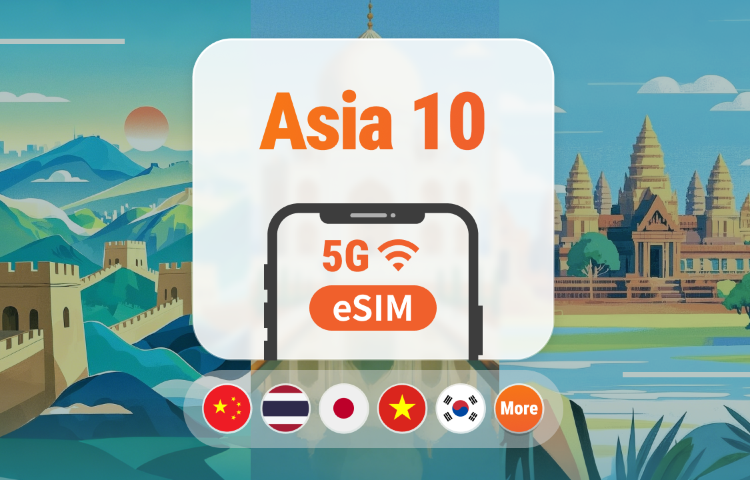
Asia 10 Regions 5G eSIM | Multi-Network • All AI Supported | 1–30 Days | QR Code
4.7/5
5011 reviewsIt was easy to connect, and everything worked in China and Thailand without any issues. The main thing is to enable roaming mode in the settings.
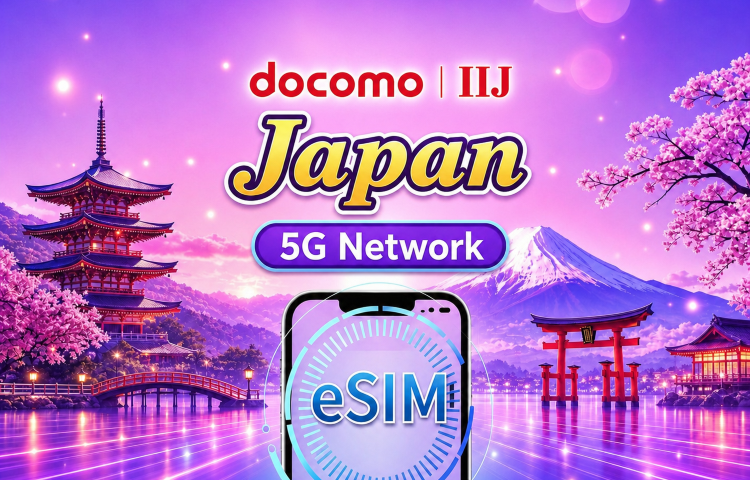
Japan docomo Native 5G eSIM | Supports Google Maps / TikTok / ChatGPT | Daily / Total Data Plan | 1–30 Days | Calendar Day Billing | QR Code
4.6/5
3244 reviewsActually, you just need to add a plan in your phone settings, then select it as your data plan and you can use it.
What a Japan eSIM Actually Is
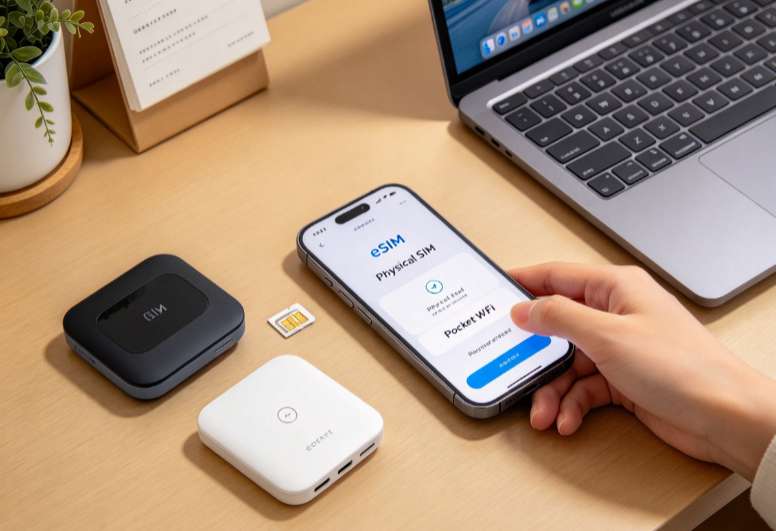
Inside every recent phone there is a small chip called an eUICC. Instead of a plastic card, a carrier writes a profile onto that chip. You scan a QR code, the profile downloads, and your phone behaves as if you had inserted a local SIM. Nothing physical changes hands.
The practical difference from a physical tourist SIM is timing. A physical SIM has to be bought somewhere, usually after you land, and activated on the spot. An eSIM is bought weeks in advance and installed at home on your own WiFi, which is when you have the patience to read instructions and the password for your carrier account if something goes wrong.
Where to Buy a Japan eSIM
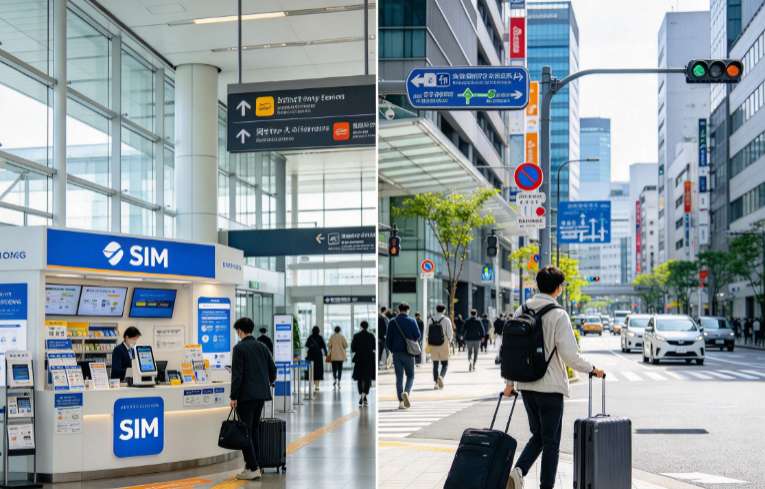
There are two real options and one fake one. The fake one is buying at the departure airport at home, where prices are marked up and the staff often know less about Japanese networks than the product page does. The two real options are online before you fly, or a physical purchase after you land.
Buying Online Before You Fly
Trip.com sells Japan eSIMs from the app or the web and emails the QR code, usually within minutes of booking. You install it at home, keep it switched off, and turn it on when you land. This is the option that removes the arrival-day risk entirely, and it is also where the promotional pricing sits. Booking through the Japan connectivity collection lets you compare the full range in one place instead of opening twenty tabs.
Buying at the Airport or in Town
Narita, Haneda, Kansai and Chubu all have SIM counters in the arrival halls, and large electronics shops in city centres stock tourist SIMs. Convenience stores and airport vending machines sell a few as well. It works, but you are paying a premium for immediacy, the counters keep limited hours, and a voice-capable SIM requires passport registration on the spot. If your flight lands after 9pm, assume the counter is closed.
Online vs Offline: What Changes
Online eSIM (Trip.com) | Airport counter | |
|---|---|---|
When you get it | Minutes after booking, before you fly | After landing, in the queue |
Opening hours | 24/7 | Limited, often closed late at night |
Price | Lowest, frequent discounts | Higher, walk-up pricing |
Registration | None for data-only plans | Passport needed for voice SIMs |
If something fails | Support chat, reinstall at home | You are standing at a counter, which helps |
Works on a locked phone | No | Yes, if the shop can unlock or supply a local handset |
How to Buy a Japan eSIM for Your Trip
The buying part takes about five minutes. The thinking before it takes longer, so do that part first.
- Check your phone supports eSIM. Dial *#06#. If an EID number appears, you are good. No EID means no eSIM, and no amount of QR scanning will change that.
- Confirm the phone is unlocked. A phone still under a carrier instalment plan in some markets is network-locked and will reject a foreign profile.
- Estimate your data. Google Maps plus messaging plus a few photo uploads is roughly 300–500MB a day. Add cloud photo backup, video calls or streaming and you are at 2GB a day. Heavy users who tether a laptop should look at total-data plans rather than daily passes.
- Match the validity to your trip, not your flight. A 7-day plan bought for a 7-day trip leaves no slack if your return is delayed. One spare day costs very little.
- Choose daily or total data. Daily passes reset every 24 hours and suit steady use. Total-data bundles suit light users who would rather not watch a counter reset.
- Buy and save the QR code. Screenshot it, email it to yourself, and keep it somewhere you can reach without data. The single most common self-inflicted problem is a QR code that only exists inside an inbox you cannot open.
How to Activate and Use a Japan eSIM
Installation and activation are two separate steps, and mixing them up is how people burn a day of validity before they have left the house. Install at home. Activate on arrival.
Step 1: Install the Profile at Home
Connect to WiFi. On iPhone, go to Settings, Cellular, then Add eSIM, and choose Use QR Code. On Android the path is Settings, Network and Internet, SIMs, then Add eSIM. Scan the code from a second screen, name the line something obvious like "Japan", and let it download. When it finishes, leave the line switched off.
Step 2: Activate After Landing
At the gate, turn the Japan line on and set it as your mobile data line. Most profiles connect within a minute or two and pick up a network automatically. Keep your home SIM enabled for calls and texts but turn its data roaming off, otherwise your home carrier will happily bill you for background data at roaming rates.
Step 3: Set the Right Defaults
- Mobile data: Japan eSIM.
- Data roaming: on for the eSIM, off for your home line.
- Default voice line: your home SIM, so incoming calls and OTPs still arrive.
- Allow mobile data switching: off, to stop the phone quietly hopping back to your home line.
If It Does Not Connect
- Toggle airplane mode on and off once. It forces a fresh network scan.
- Check that mobile data is actually pointed at the eSIM line, not the home line.
- Turn data roaming on for the eSIM line. Counter-intuitive, but most travel eSIMs need it.
- Set the APN manually if the product page lists one. It lives under Cellular, then Cellular Data Network on iPhone.
- Restart the phone before you panic. A reboot fixes more eSIM issues than any other step.
Who a Japan eSIM Suits Best
- Solo travellers and couples who each have their own phone and would otherwise fight over one WiFi router.
- Anyone arriving late. Haneda and Narita counters close in the evening. An 11pm landing with a dead phone and no data is a bad first hour in Japan.
- People who need their home number alive for bank OTPs and family calls, which an eSIM lets you keep while data runs on the Japanese line.
- Short trips. Under five days, the cost gap against a physical SIM disappears and the time saving is real.
See all attractions
 16093 booked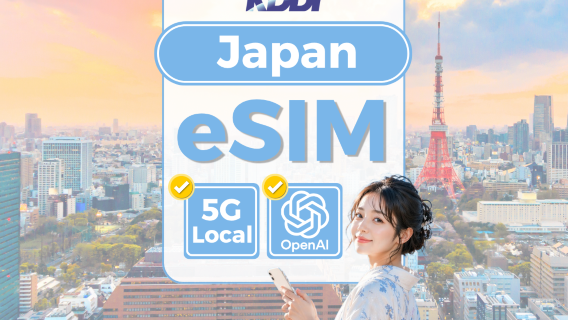


Japan eSIM vs Physical SIM vs Pocket WiFi vs Roaming
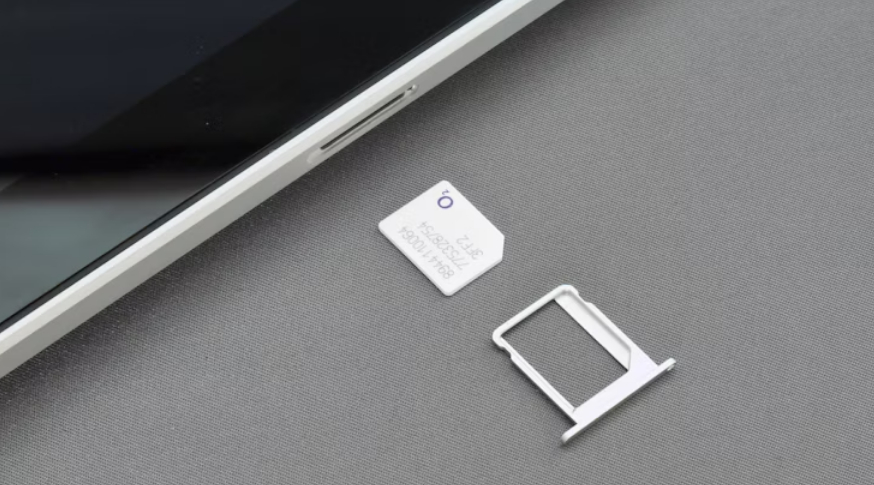
Four ways to get online in Japan, four different failure modes. The right choice depends less on price than on how many devices you carry and how much you care about your home number staying live.
eSIM | Physical SIM | Pocket WiFi | Roaming | |
|---|---|---|---|---|
Setup time | 5 minutes, before you fly | 20–40 minutes at a counter | Pickup plus deposit | None |
Cost per day | Lowest for one person | Moderate | A few dollars, shared | Highest |
Devices supported | One phone | One phone | 5–10 | One phone |
Home number | Stays active | Swapped out | Stays active | Stays active |
Battery | Phone only | Phone only | Needs charging, 6–10 hours | Phone only |
End of trip | Delete the profile | Bin the card | Return it or pay a fee | Nothing |
eSIM: Best for One or Two Travellers
Cheapest per person, no hardware, no return step. The catch is one device per plan, so a family of four needs four plans or a different solution.
Physical SIM: Best If Your Phone Cannot Do eSIM
Still the fallback for older handsets and for phones bought in markets where eSIM hardware is disabled. Buy at the airport, expect a queue, and bring your passport if you want a voice-capable card.
Pocket WiFi: Best for Families and Laptop Users
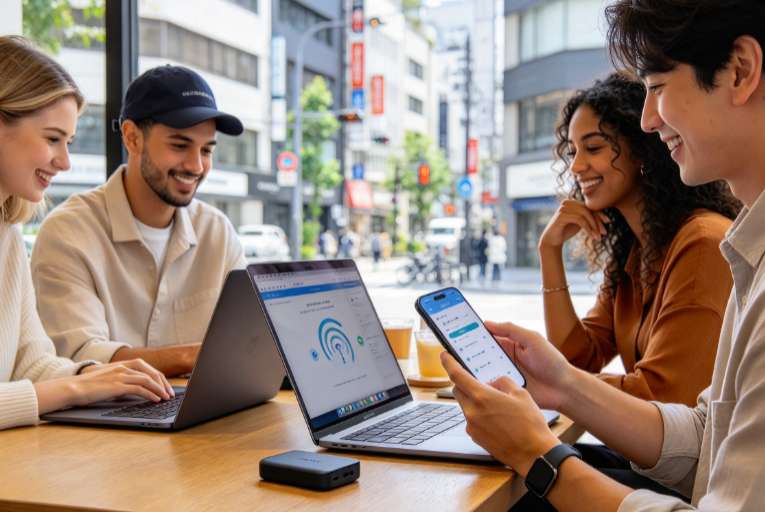
One router, five devices, everyone shares. It earns its place on a family trip or a work trip with a laptop. It also means carrying a second thing to charge, and remembering to drop it in the return box at the airport before security.
Roaming: Best Only for a Very Short Stop
Your home carrier's daily pass is convenient and expensive. It is worth it for a 24-hour layover where you cannot be bothered with setup. For anything longer than two days, the maths stops working fast, and some roaming passes throttle video or block tethering.
If Japan Is Not Your Only Stop
A Japan-only plan stops working the moment you leave the country. If your route continues to Korea, Thailand, Singapore or elsewhere in Asia, a regional profile such as the Asia 10 Regions eSIM covers the whole leg with one install. Heading to Europe instead? The same rules apply, with one extra trap covered below.
Why Travellers Pick a Japan eSIM Over a Physical SIM
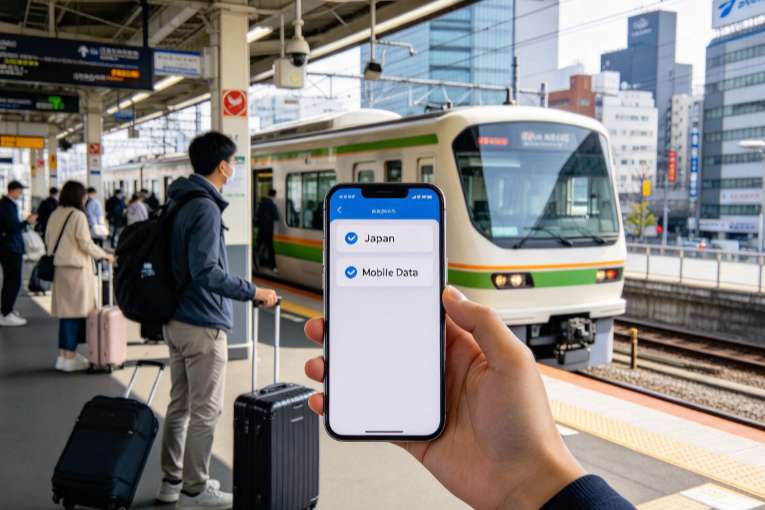
Convenience is the pitch, but the reasons people stick with eSIM after their first trip are narrower than that. Four of them come up again and again in reviews and in conversations with people who travel to Japan regularly.
You Sort It Out Before You Leave
Buying and installing at home means the risky part happens while you still have WiFi, a charger and a quiet room. Arrive with the profile already sitting in your phone and the airport becomes a walk to the train, not a hunt for a vending machine that sells SIM cards.
Your Home Number Stays Reachable
A dual-SIM phone can run the Japanese eSIM for data and keep your original SIM active for calls and texts. That matters more than most people expect. Bank verification codes, airline changes and family messages all arrive on the number you have had for years. With a physical swap, that number goes dark for the length of the trip unless you carry two phones.
No Counter, No Paperwork, No Plastic
Japan takes identity verification seriously for voice-capable SIMs, and rightly so. Data-only eSIMs avoid the passport photocopy queue entirely. You also skip the small physical risks: no card to lose, no tray pin to lose, no micro-SIM adapter jammed into a nano slot.
Where eSIM Falls Short
Three limitations worth knowing before you commit. First, your phone has to support eSIM and be carrier-unlocked; a handset bought on a contract in some markets stays locked for the first year. Second, an eSIM cannot be moved between phones the way a card can. If your phone dies mid-trip, the profile goes with it and you need a replacement QR code from the seller. Third, a data-only eSIM gives you no local number, which matters if you want to ring a restaurant to confirm a booking.
What a Japan eSIM Costs
Prices are quoted per package, not per month, and the cheapest headline figure is always the smallest bundle. Entry-level daily packages on Trip.com start at under US$0.10, while the heavier unlimited-style local-network passes sit around US$3.50 per day. Where your trip lands between those two ends depends mostly on how much data you actually burn, and the tiers step up roughly like this.
What you need | Package to look for | What it costs |
|---|---|---|
Maps and messages only | 500MB per day, or a small total bundle | Under US$0.10 per day on entry-level plans |
Normal sightseeing with photo uploads | 1–3GB per day | A few dollars per day, falling with longer validity |
Working remotely or tethering | Total-data bundle, 10GB and up | Priced by the bundle, so longer trips cost less per GB |
No data worries at all | Local-network pass with a very high daily cap | Around US$3.50 per day, 3–30 days |
For context, a pocket WiFi rental typically runs a few dollars a day and has to be returned, and a physical tourist SIM bought at Narita costs more than the online equivalent because you are paying for the airport counter. A week of eSIM data is usually cheaper than one day of international roaming from a European or Australian carrier.
Which Network Will Your Japan eSIM Use?
Japan has three national networks and one newer challenger. Your eSIM rides on one of them, sometimes two, and which one you get affects coverage far more than the 5G label on the product page.
Network | Operator | Where it shines | Watch out for |
|---|---|---|---|
docomo | NTT docomo | Rural coverage, mountain roads, Hokkaido, Kyushu | Busy-city speeds can dip at peak |
au | KDDI | Strong all-round, reliable on Shinkansen routes | Fewer low-band options in deep valleys |
SoftBank | SoftBank | Dense city coverage, fast in Tokyo and Osaka | Thinner signal in the countryside |
Rakuten | Rakuten Mobile | Cheap, growing urban footprint | Relies on roaming partners outside cities |
For a Tokyo–Kyoto–Osaka trip, any of the big three is fine and you will not notice the difference. For a driving trip through Hokkaido, the Noto Peninsula or the Japanese Alps, docomo-based coverage is the safer bet, and a dual-network plan is safer still because it can fall back when one carrier drops out.
One band detail worth knowing: docomo's rural coverage leans on the 800MHz band, and phones sold for some markets do not support it. If your phone's spec sheet lists Band 19, you are covered for the countryside. If it does not, stay on main routes and major towns.
Does a Japan eSIM Come With a Phone Number?
Almost never. Tourist eSIMs sold online are data-only, which is why they are cheap, instant and free of paperwork. No number means no voice calls and no SMS to Japanese landlines or mobiles.
What You Lose Without a Number
- Calling a restaurant to confirm a reservation or ask about a queue.
- Calling a ryokan, taxi company or rental car desk directly.
- Receiving SMS from Japanese services that verify by phone.
What to Do Instead
Use data-based messaging for everything else. Hotels in Japan are unusually responsive by email and booking-app chat. Restaurant reservations usually go through your hotel front desk, which costs nothing and works better than a phone call in Japanese. For anything urgent, 110 and 119 are free to dial, and hotel staff will make calls on your behalf without hesitation. If you genuinely need a Japanese number, buy a voice-capable SIM at a counter with your passport, and accept the registration process.
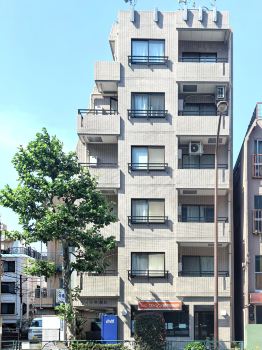
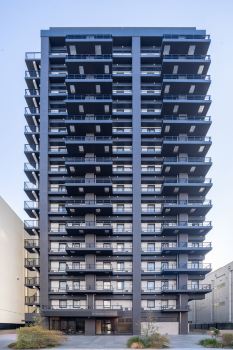
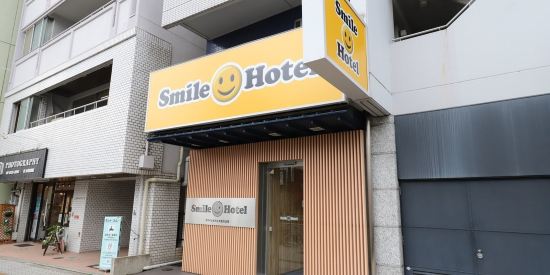
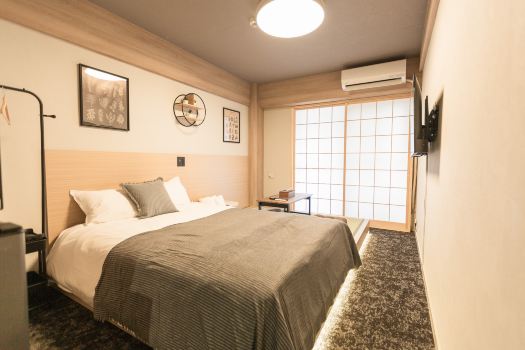
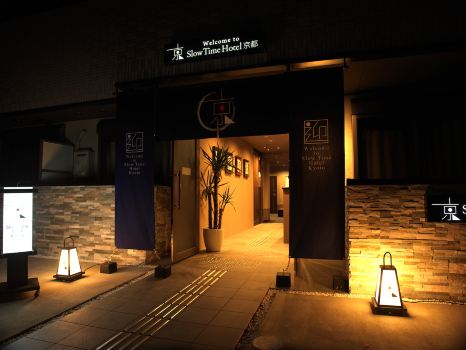
🔥 [Discount] Japan Hotel Recommendations
Check these top rated hotels in Japan with coupon!
Tokyo Hotels
Osaka Hotels
Kyoto Hotels
See All Hotels




















Japan eSIM FAQ
-
Is a Japan eSIM cheaper than a physical SIM?
-
Can I buy a Japan eSIM after I land?
-
How long does a Japan eSIM take to activate?
-
Does a Japan eSIM work on a locked phone?
-
Can I keep using WhatsApp and LINE with a Japan eSIM?
Disclaimer: This article has been provided by an individual contributor or third party platform. If there is any discrepancy regarding the copyright, please contact us directly and we will delete the content immediately.
Trending Researches
-
Popular Cities
-
Popular Airlines & Airports
-
Featured Flights
- Air India
- Alliance Air
- IndiGo
- SpiceJet
- Singapore Airlines
- Thai Airways
- Vietnam Airlines
- Air Canada
- Japan Airlines
- American Airlines
- Malaysia Airlines
- Korean Air
- Qantas
- Air New Zealand
- Azerbaijan Airlines
- British Airways
- Air China
- Lufthansa
- Indira Gandhi International Airport
- Chhatrapati Shivaji Maharaj International Airport
- Kempegowda International Airport
- Rajiv Gandhi International Airport
- Chennai International Airport
- Netaji Subhas Chandra Bose International Airport
- Sardar Vallabhbhai Patel International Airport
- Cochin International Airport
- Pune Airport
- Dabolim Airport
- Trip.com VIP Lounge Access
- Trip.com Cancellation Policy
- Trip.com Flight Cancellation
- Trip.com Customer Service
- Trip.com Seat Selection
- Trip.com Flight Change
- Trip.com Payment Methods
- Trip.com Phone Number
- Trip.com Hotel Refund
- Trip Coins
- Trip.com E-Receipt
- Trip.com Reviews
- Trip.com Membership
- Trip.com Check In
- Trip.com Ticket Issued Status
- Trip.com Refund
- Buy Now Pay Later
- Trip.com Cashback
- Trip.com Call Center
- Trip.com Price Match